How Partybroker Works
From sign-up to live event in under 3 minutes. Here's everything you need to know.
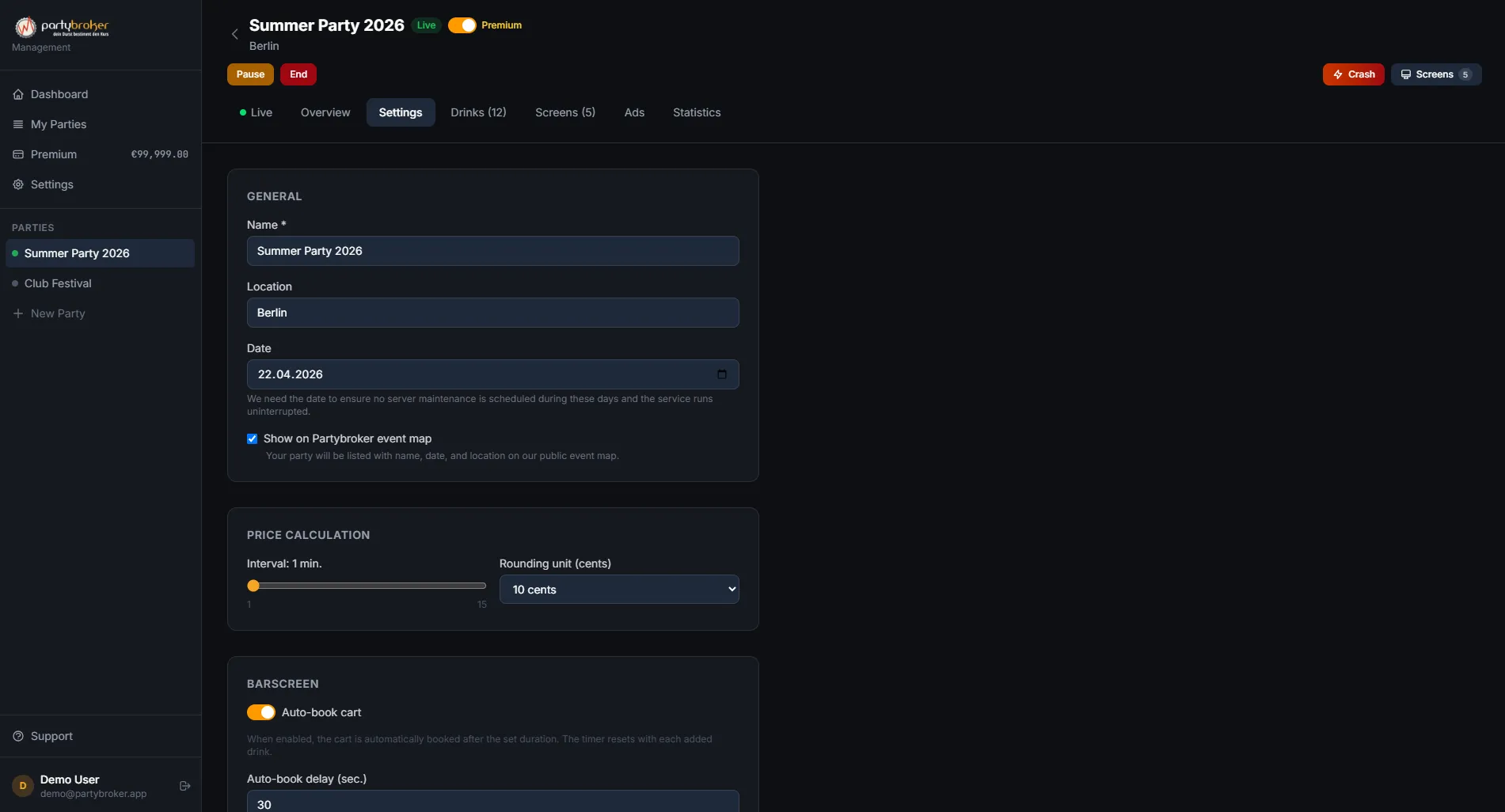
Create Your Event
Sign up for free and set up your event. Choose from drink templates or add your own. Set base prices and configure your crash intervals.
- Pre-built drink templates for beer, wine, cocktails, and more
- Customize base prices and price ranges
- Set crash frequency and intensity
- Add your branding (Premium)
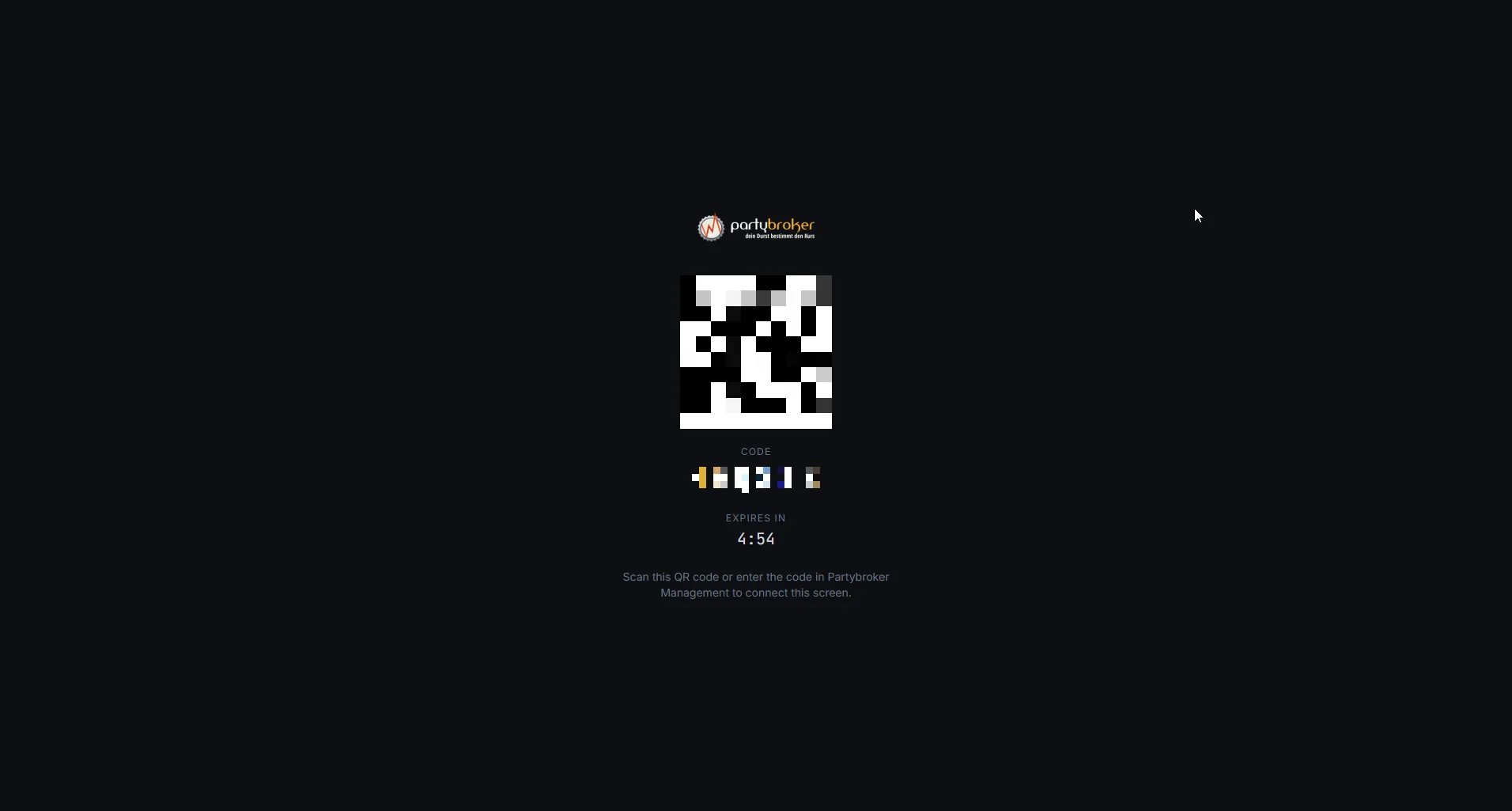
Show the QR Code
Display the QR code at your venue. Guests scan it to see live prices on their phones — no app download needed.
- Works on any smartphone browser
- No app installation required
- Real-time price updates via WebSocket
- Guests see the full drink menu with live prices
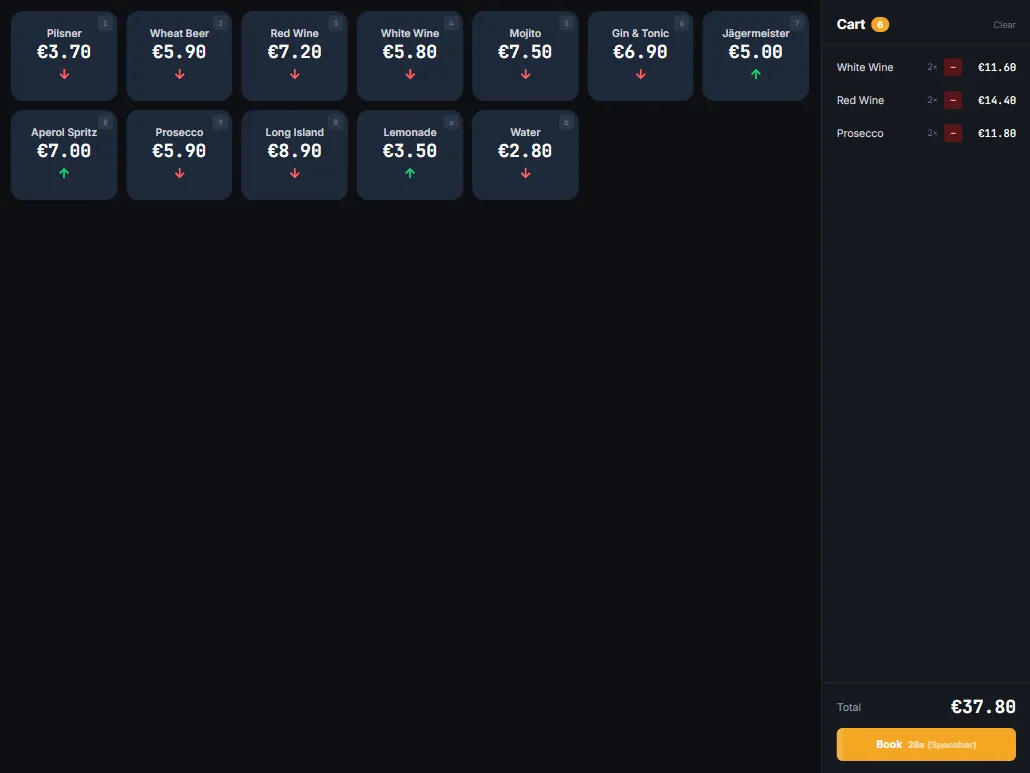
Barkeeper Taps Sales
When a guest orders, the barkeeper taps the drink in the Partybroker app. The price adjusts instantly across all screens.
- Simple one-tap interface for barkeepers
- Prices update in real-time on all connected devices
- Works on any tablet or phone
- Multiple barkeeper stations supported
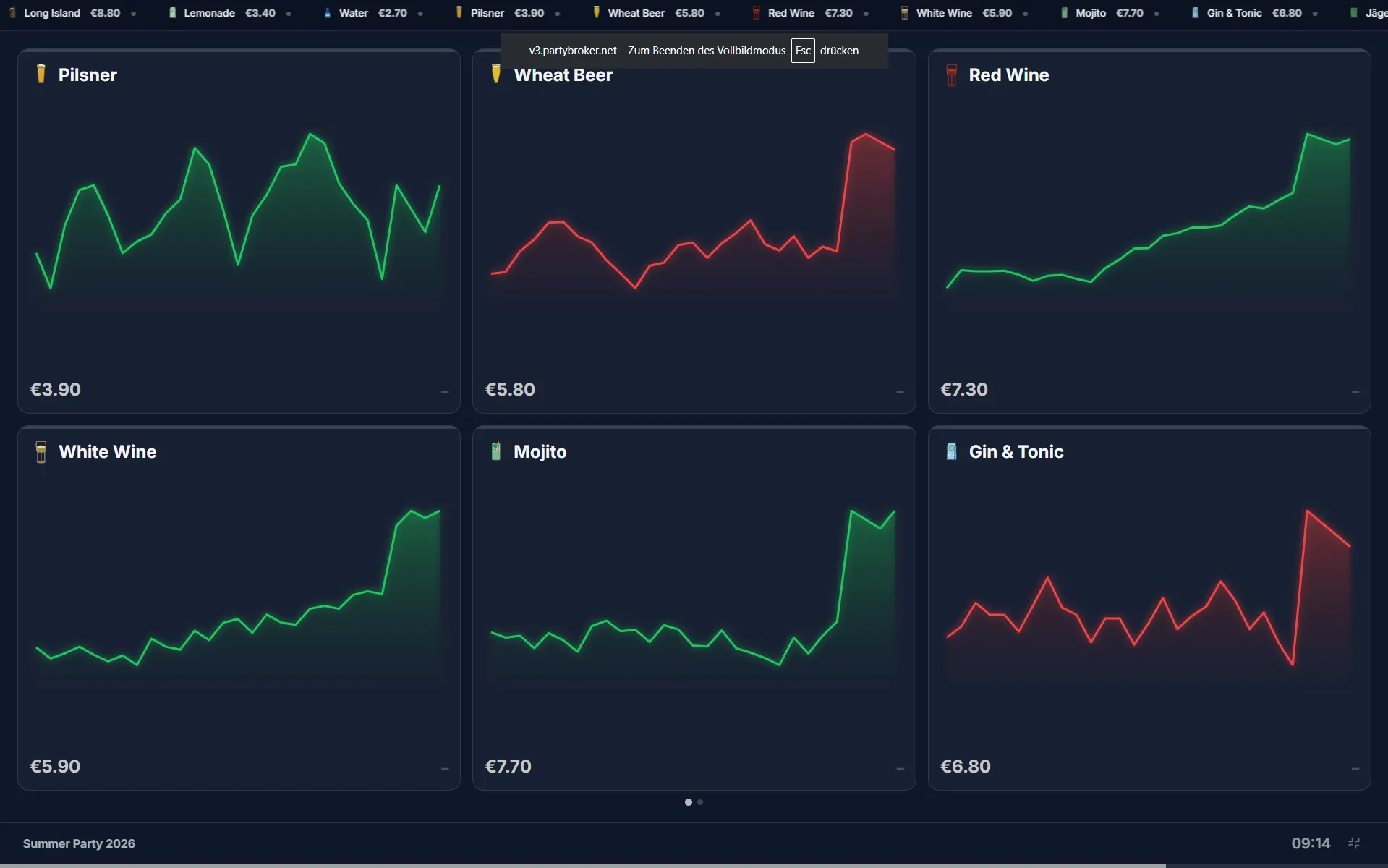
Prices Move Like a Stock Exchange
Popular drinks go up, unpopular ones go down. Guests watch prices, strategize, and wait for the perfect moment to order.
- Algorithm balances supply and demand
- Visual price charts on big screens
- Price trends visible to all guests
- Creates conversation and excitement
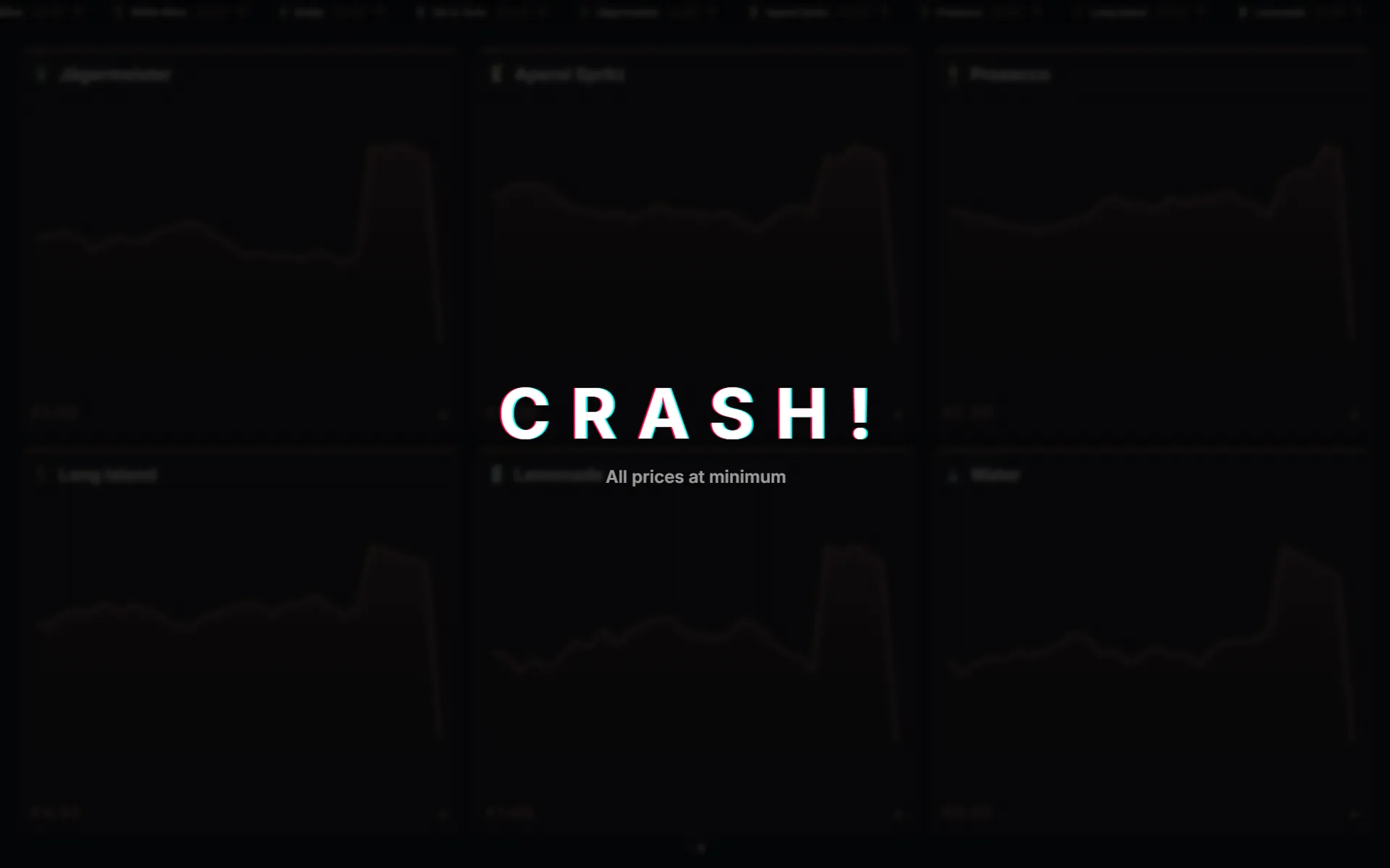
The Party Crash!
At random intervals, the market crashes. All prices drop to their minimum. Screens flash. Everyone rushes to the bar. It's the highlight of the night.
- Dramatic visual effects on all screens
- All prices drop to minimum simultaneously
- Configurable crash frequency
- Manual crash trigger available for organizers
Ready to Try It?
€5 welcome bonus — no credit card required